
Widget Examples
Live example links and screenshots for each Cutwise Widget type: Player, Visual, Performance, Report, Pair Comparison and Brilliant Story.
Each Cutwise Widget type embeds Cutwise data into another website, web system, platform or online presentation. Open the links below to see each type live. The URL forms and parameters are on Embedding a Widget.
Cutwise Player
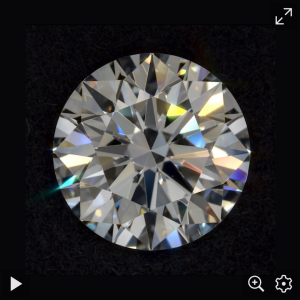
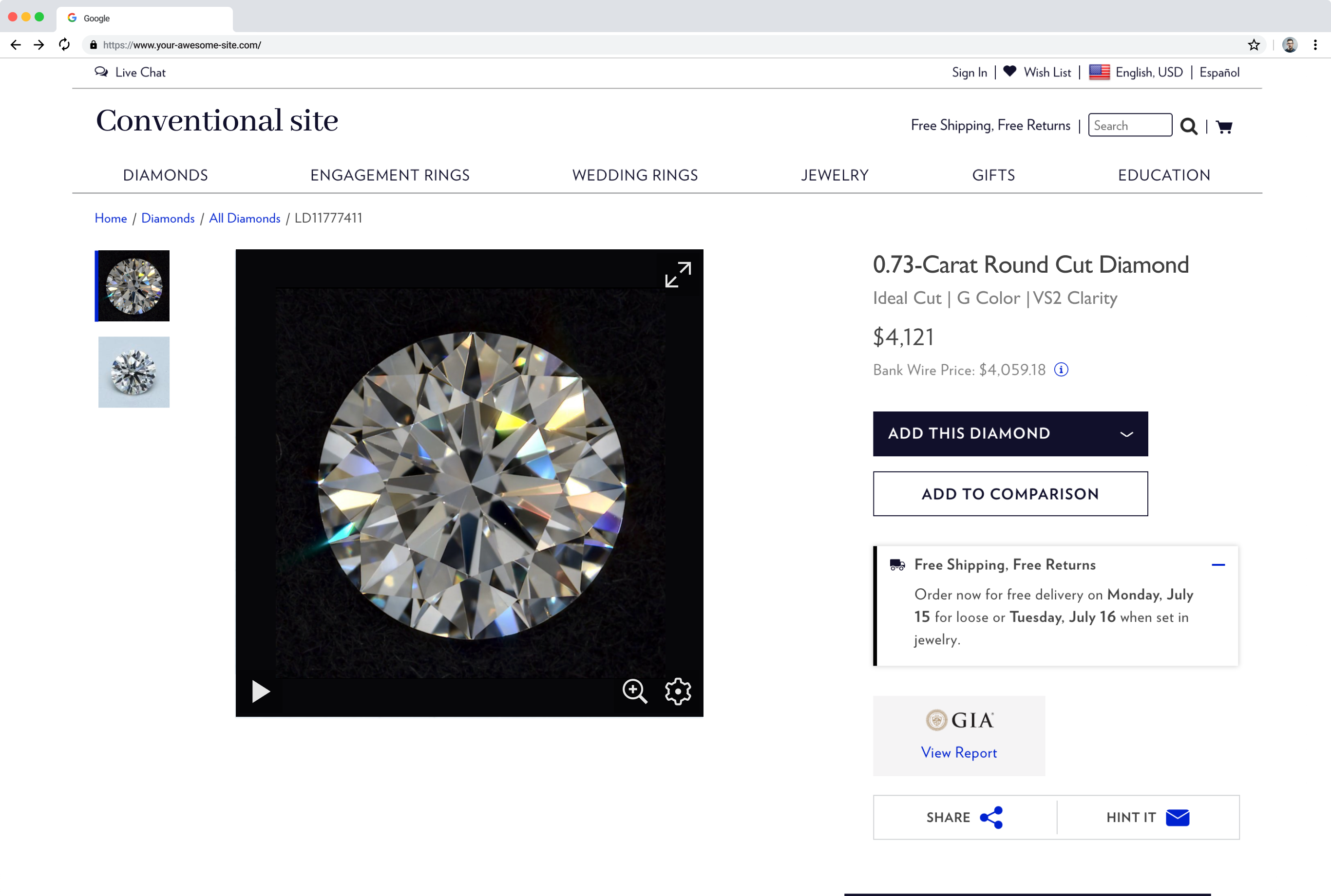
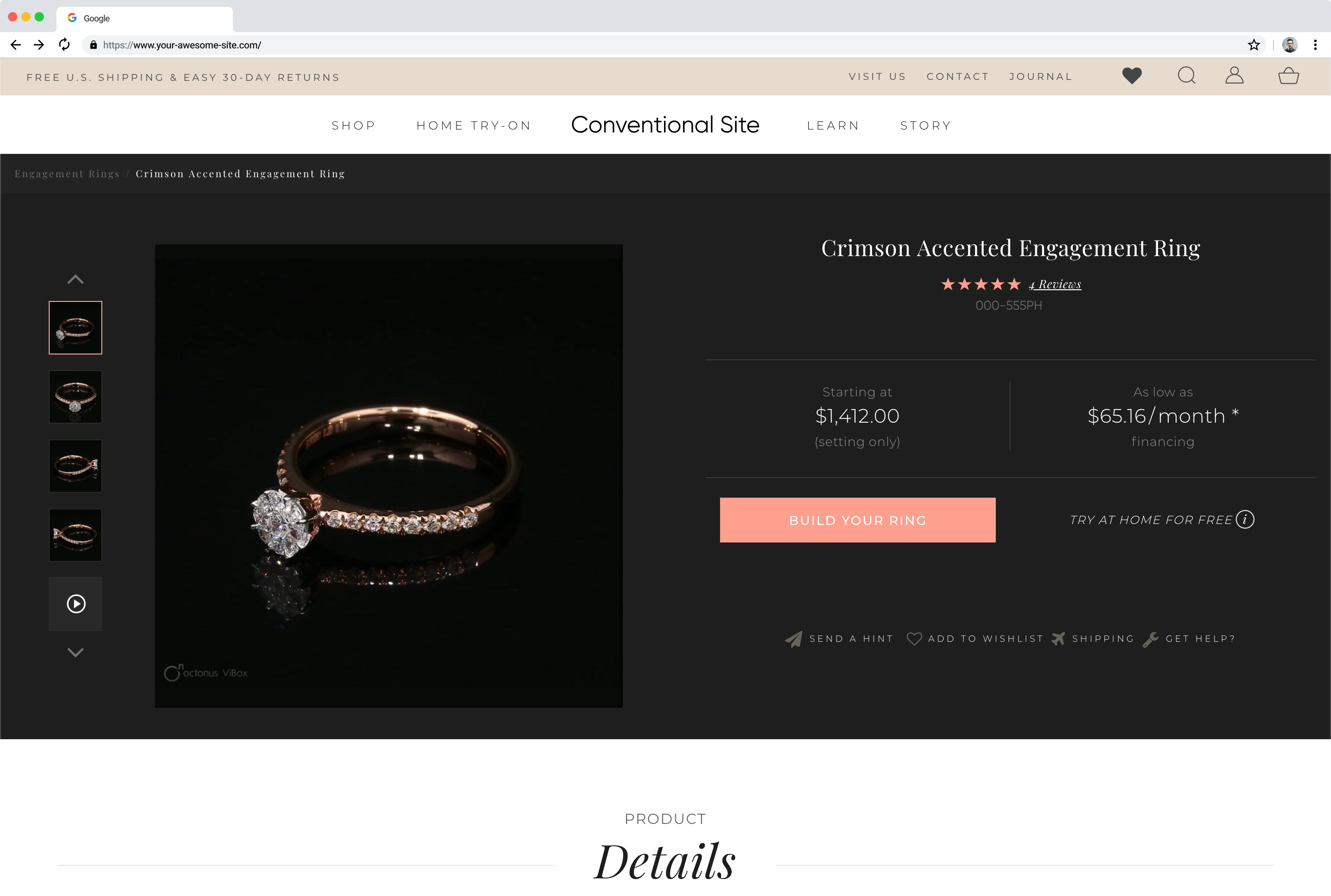
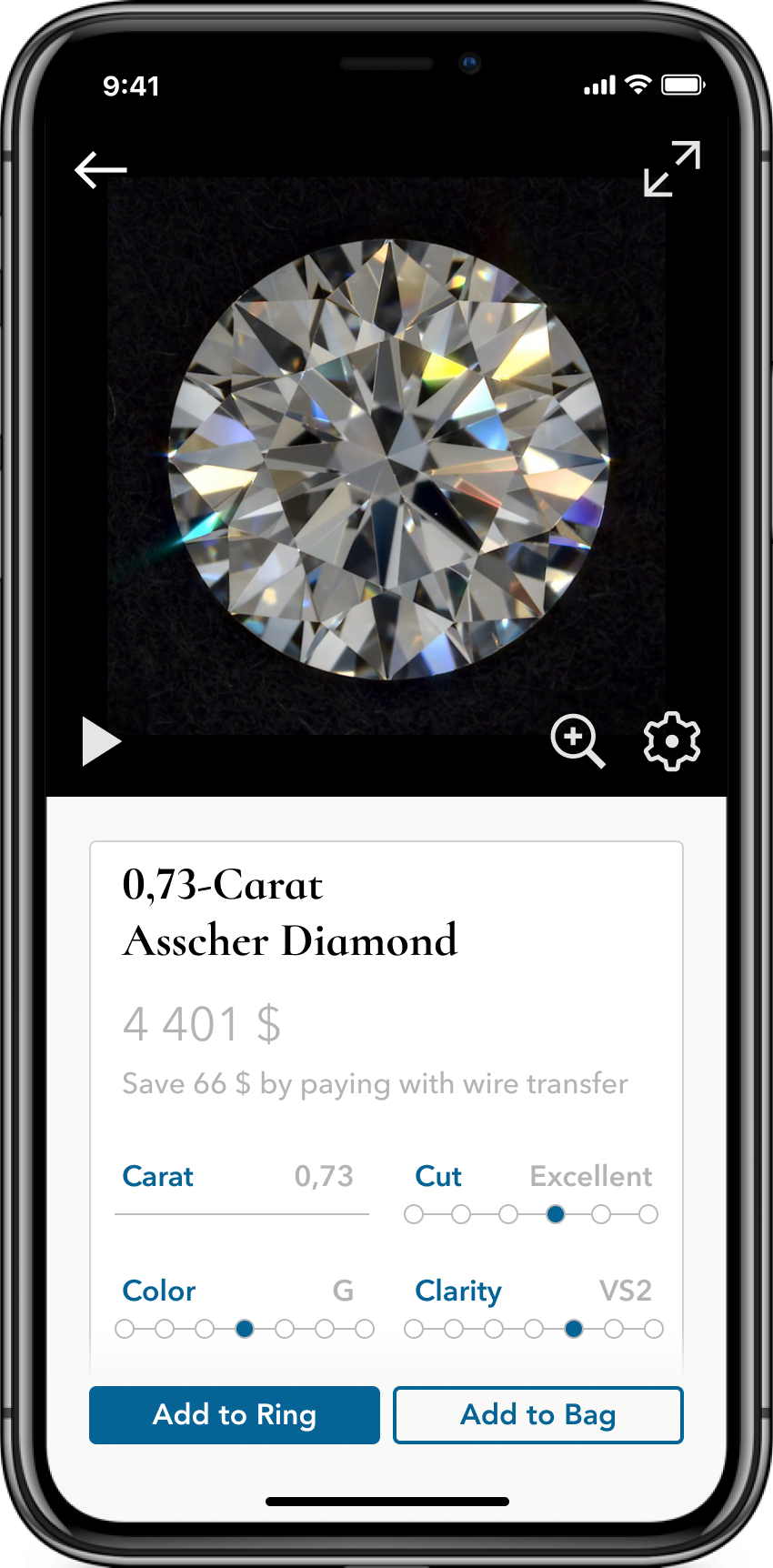
The Cutwise Player embeds one selected video or image from DiBox or ViBox hardware.
| Media data | Example link |
|---|---|
| DiBox 2.0 | |
| Fire Video | https://widget.cutwise.com/video/333?autoplay=1&sp=43 |
| Office Video | https://widget.cutwise.com/video/333?autoplay=1&sp=45 |
| Darkfield Video | https://widget.cutwise.com/video/333?autoplay=1&sp=51 |
| ASET Black Photo | https://widget.cutwise.com/video/333?autoplay=1&sp=10 |
| Face-up Fluorescence Live Photo | https://widget.cutwise.com/video/24019?autoplay=1&sp=38 |
| ViBox | |
| 360 Diamond Video | https://widget.cutwise.com/video/38256?autoplay=1&sp=1 |
| 360 Jewelry Video | https://widget.cutwise.com/video/21231?autoplay=1 |
| 360 Rough Video | https://widget.cutwise.com/video/28634?autoplay=1 |
Examples on websites:
Cutwise Visual Widget
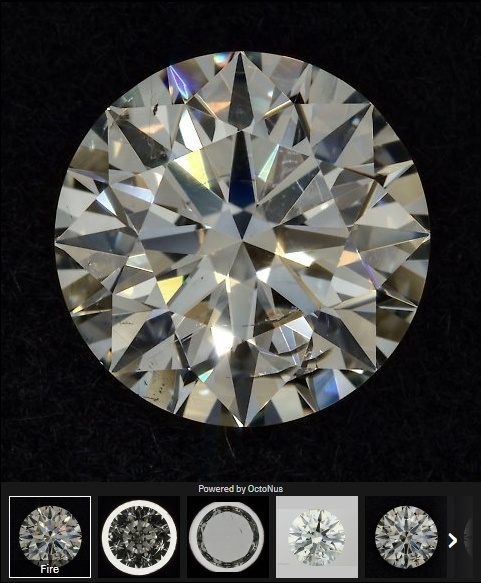
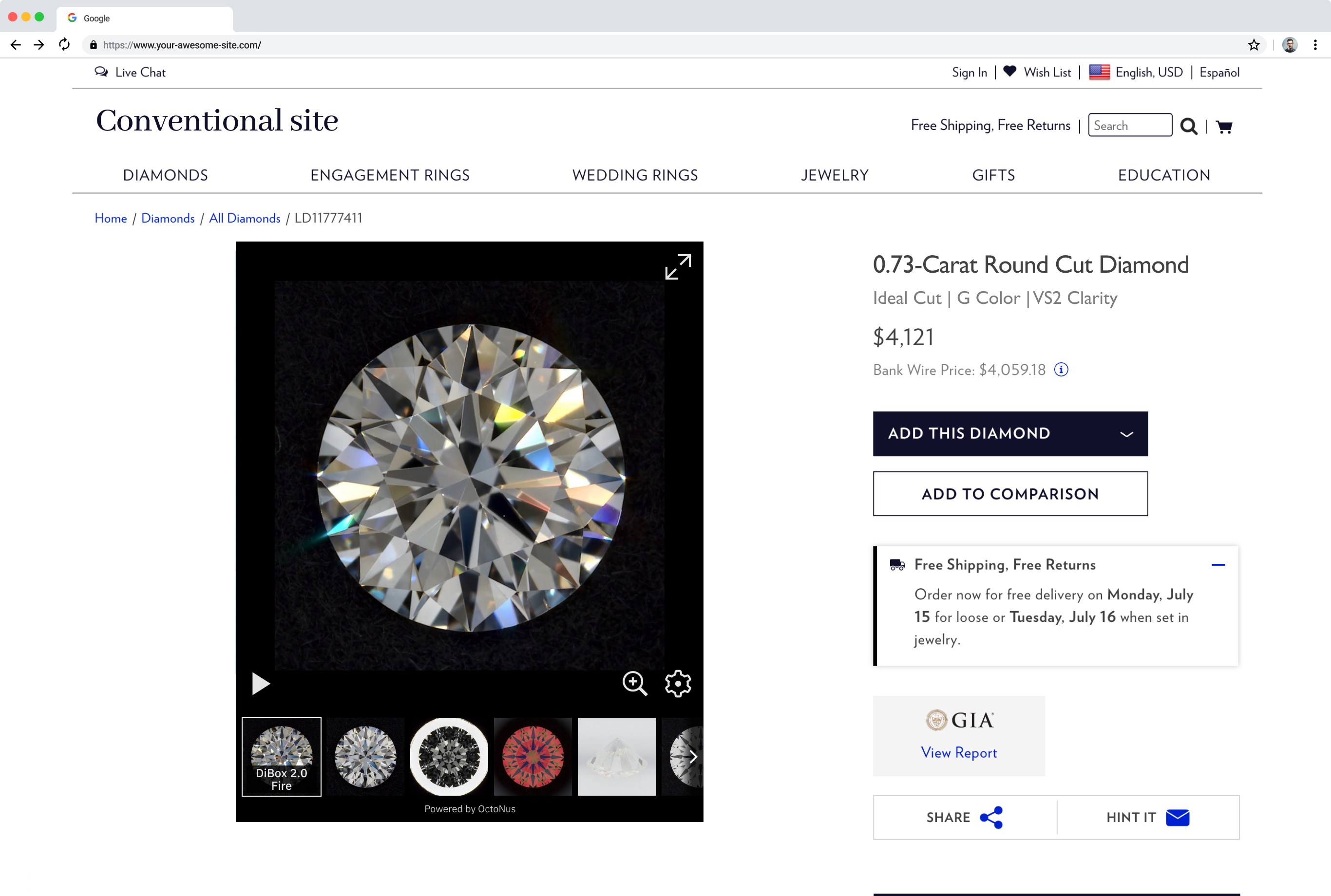
The Visual Widget embeds all the visual data from Cutwise. A small panel with media thumbnails switches between the videos and images.
| Media data | Example link |
|---|---|
| DiBox 2.0 media set | https://widget.cutwise.com/visual/v1/333 |
| ViBox media set | https://widget.cutwise.com/visual/v1/21708?autoplay=1 |
Examples on websites:
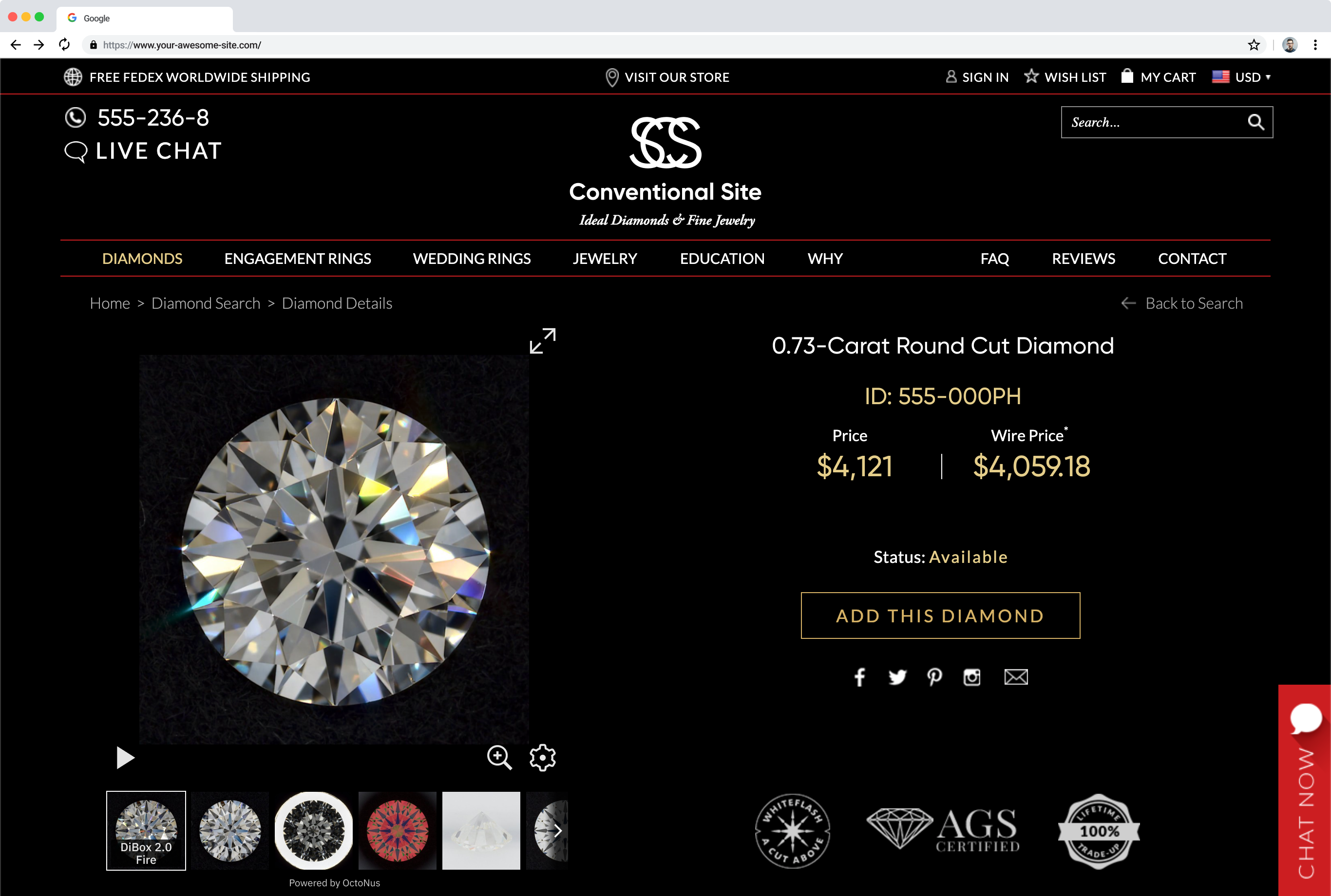
Cutwise Performance Widget
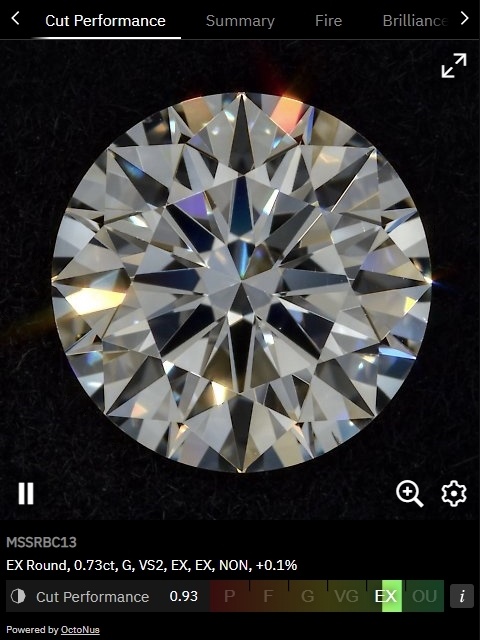
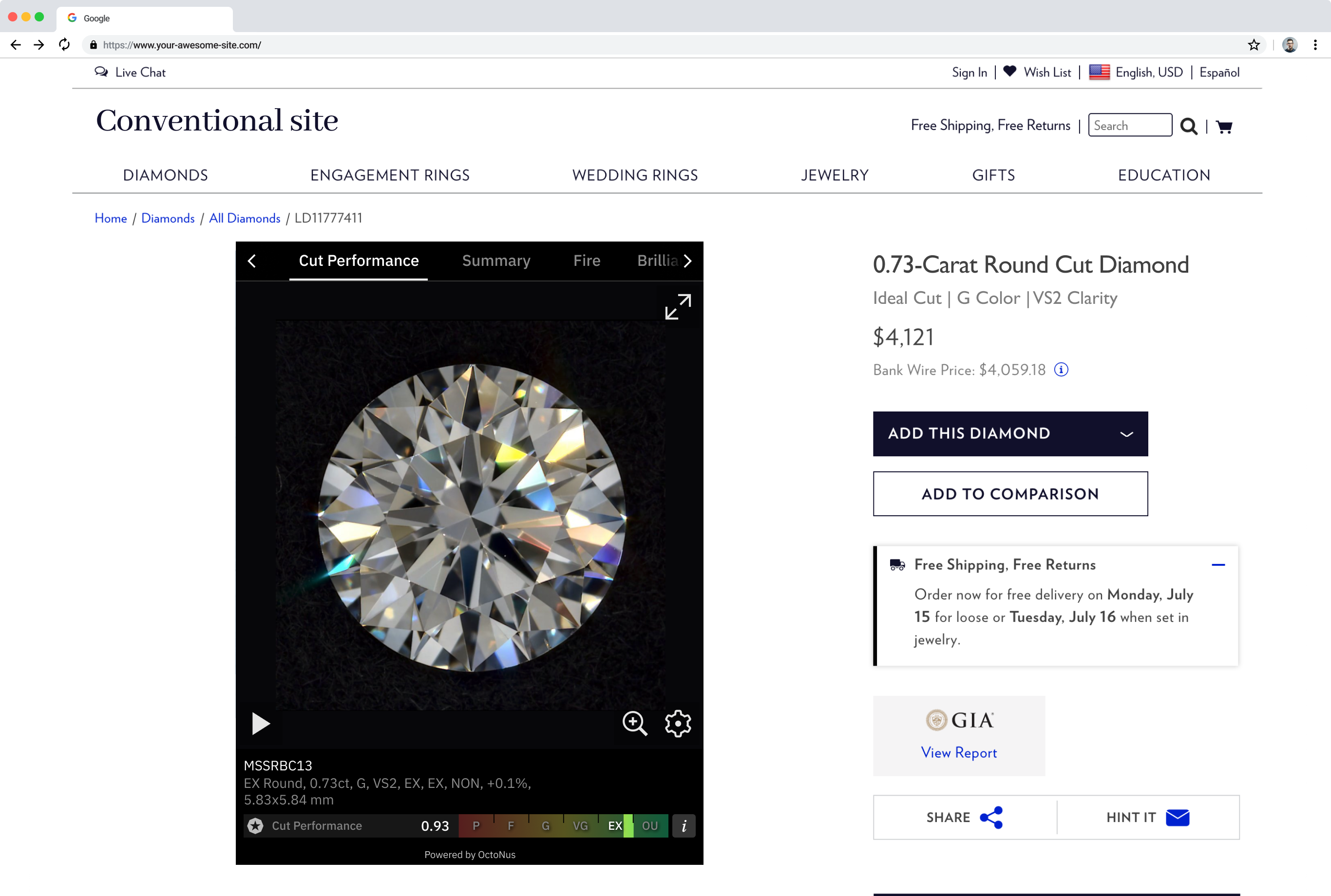
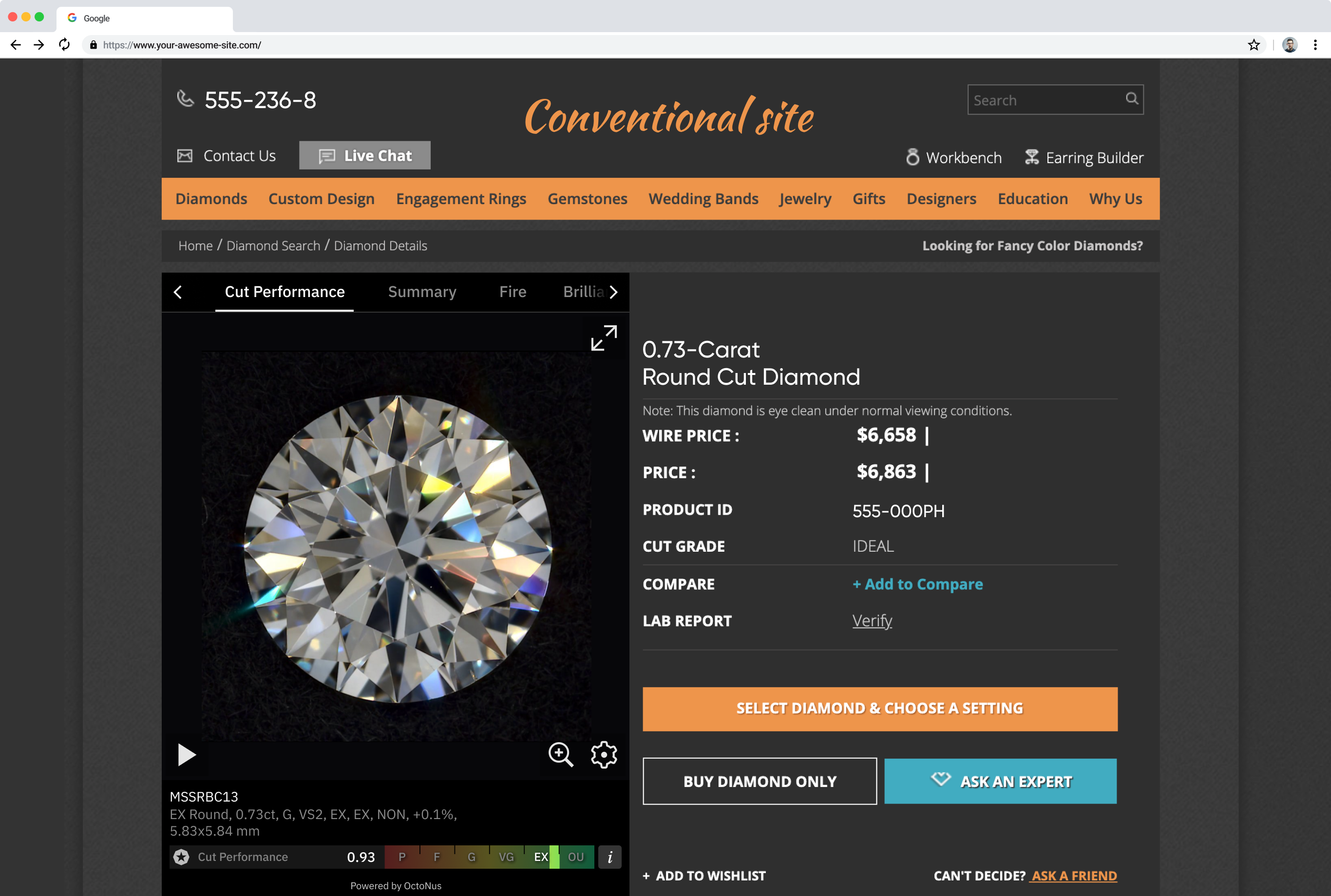
The Performance Widget shows visual data and the optical performance scores that Cutwise evaluates automatically. It also has a section about the original rough diamond, and a custom section for information about the cut or the company brand.
| Media data | Example link |
|---|---|
| Natural diamonds | |
| EX Round, 1.01ct, G, SI1, EX, EX, V STR, -3.5% | https://widget.cutwise.com/performance/v1/39766/ |
| Pear, 1.03ct, G, SI2, EX, VG, STR, +18.2% | https://widget.cutwise.com/performance/v1/32784/ |
| Rough data. Pear, 0.90ct, H, SI1, EX, EX, MED, -0.1% | https://widget.cutwise.com/performance/v1/40803/ |
| Round MSSRBC13 | https://widget.cutwise.com/performance/v1/337/ |
| CUSHION10 | https://widget.cutwise.com/performance/v1/386/ |
| CUSHION4 | https://widget.cutwise.com/performance/v1/380/ |
| MSSPEAR | https://widget.cutwise.com/performance/v1/335/ |
| MSSMARQUISE | https://widget.cutwise.com/performance/v1/393/ |
| Lab-grown diamonds | |
| Round, 2.00ct, G, VS2, -11.8% | https://widget.cutwise.com/performance/v1/38439 |
| Cushion, 1.06ct, E, SI1, EX, VG, NON | https://widget.cutwise.com/performance/v1/40089 |
| Pear, 2.09ct, F, VS2, +9.4% | https://widget.cutwise.com/performance/v1/36772 |
| Marquise, 2.21ct, G, VS1, EX, VG, NON | https://widget.cutwise.com/performance/v1/40099 |
Examples on websites:
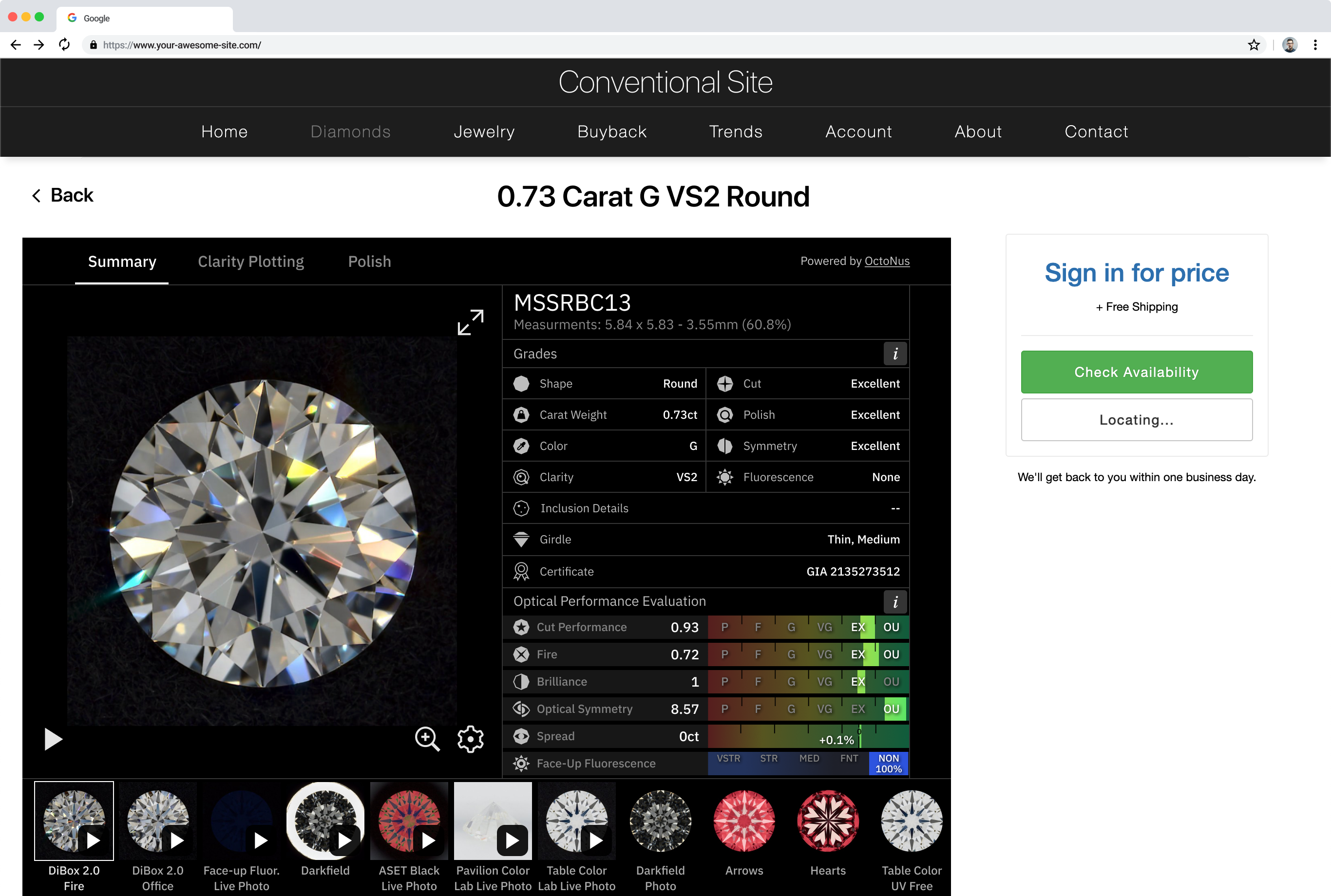
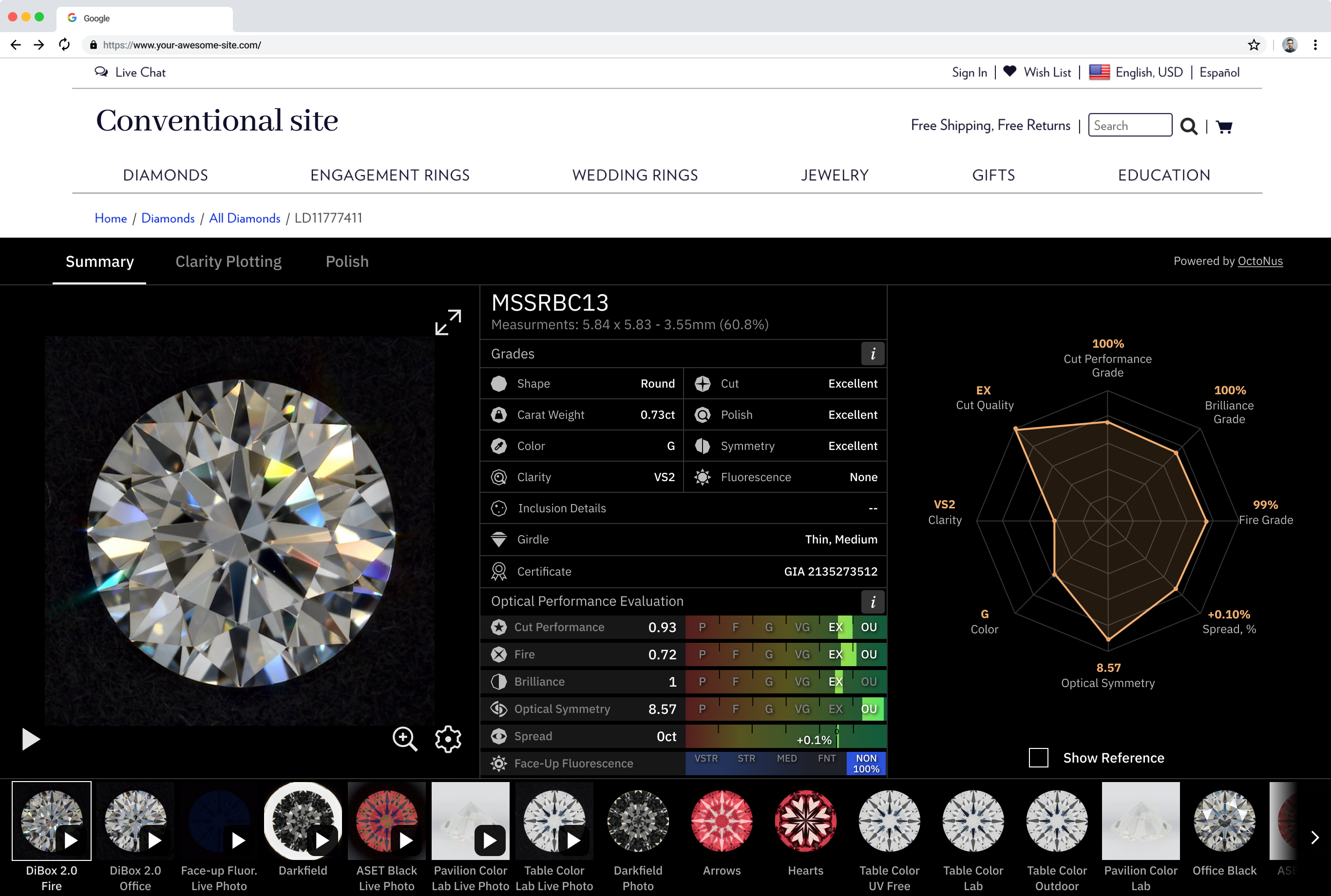
Cutwise Report
The Report widget shows all the information about a diamond at a glance. It can replace the diamond page, and you can open it directly from your diamond catalog.
| Media data | Example link |
|---|---|
| Natural diamonds | |
| EX Round, 1.01ct, G, SI1, EX, EX, V STR, -3.5% | https://widget.cutwise.com/report/v1/39766/ |
| Pear, 1.03ct, G, SI2, EX, VG, STR, +18.2% | https://widget.cutwise.com/report/v1/32784/ |
| Rough data. Pear, 0.90ct, H, SI1, EX, EX, MED, -0.1% | https://widget.cutwise.com/report/v1/40803/ |
| MSSRBC13 | https://widget.cutwise.com/report/v1/337/ |
| CUSHION10 | https://widget.cutwise.com/report/v1/386/ |
| CUSHION4 | https://widget.cutwise.com/report/v1/380/ |
| MSSPEAR | https://widget.cutwise.com/report/v1/335/ |
| MSSMARQUISE | https://widget.cutwise.com/report/v1/393/ |
| Lab-grown diamonds | |
| Round, 2.00ct, G, VS2, -11.8% | https://widget.cutwise.com/report/v1/38439 |
| Cushion, 1.06ct, E, SI1, EX, VG, NON | https://widget.cutwise.com/report/v1/40089 |
| Pear, 2.09ct, F, VS2, +9.4% | https://widget.cutwise.com/report/v1/36772 |
| Marquise, 2.21ct, G, VS1, EX, VG, NON | https://widget.cutwise.com/report/v1/40099 |
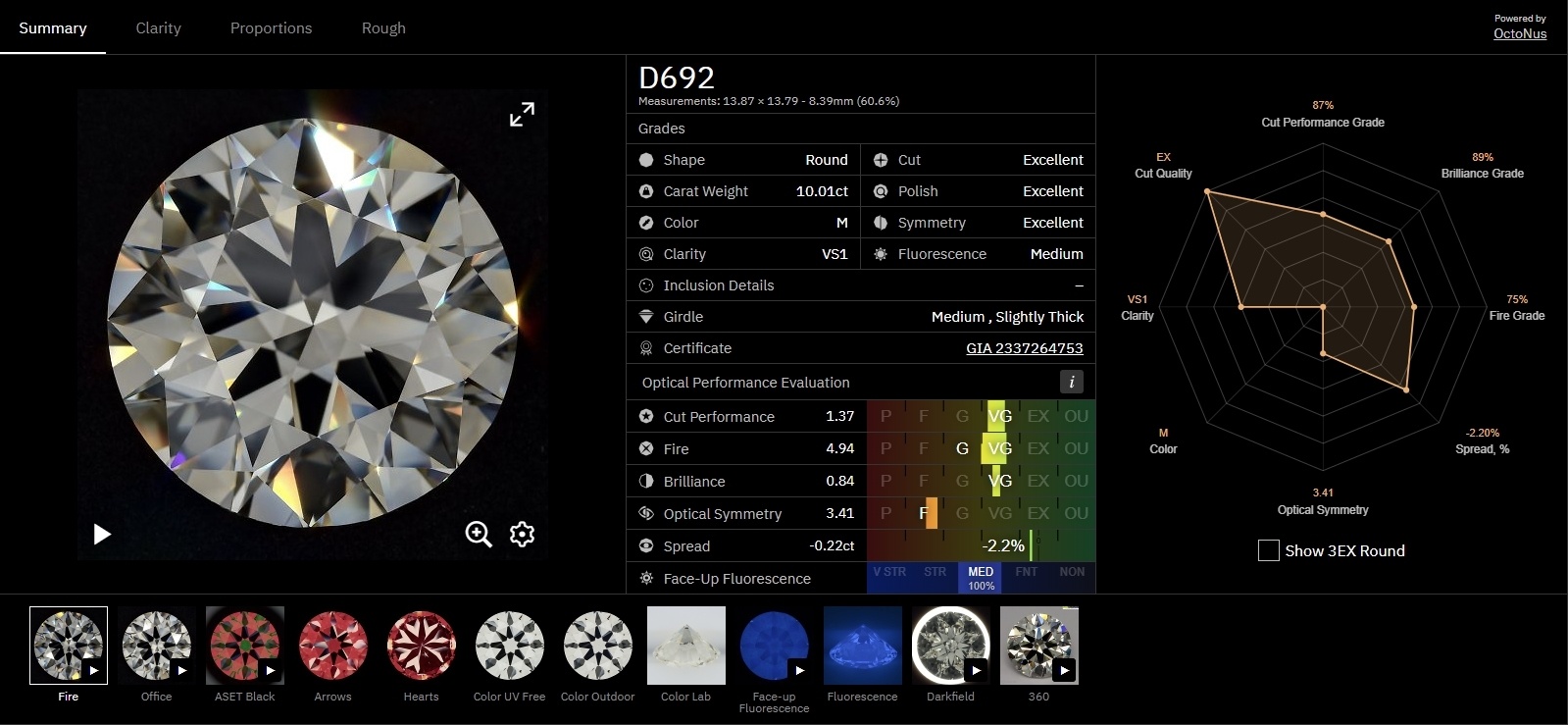
Examples on websites:
Pair Comparison Widget
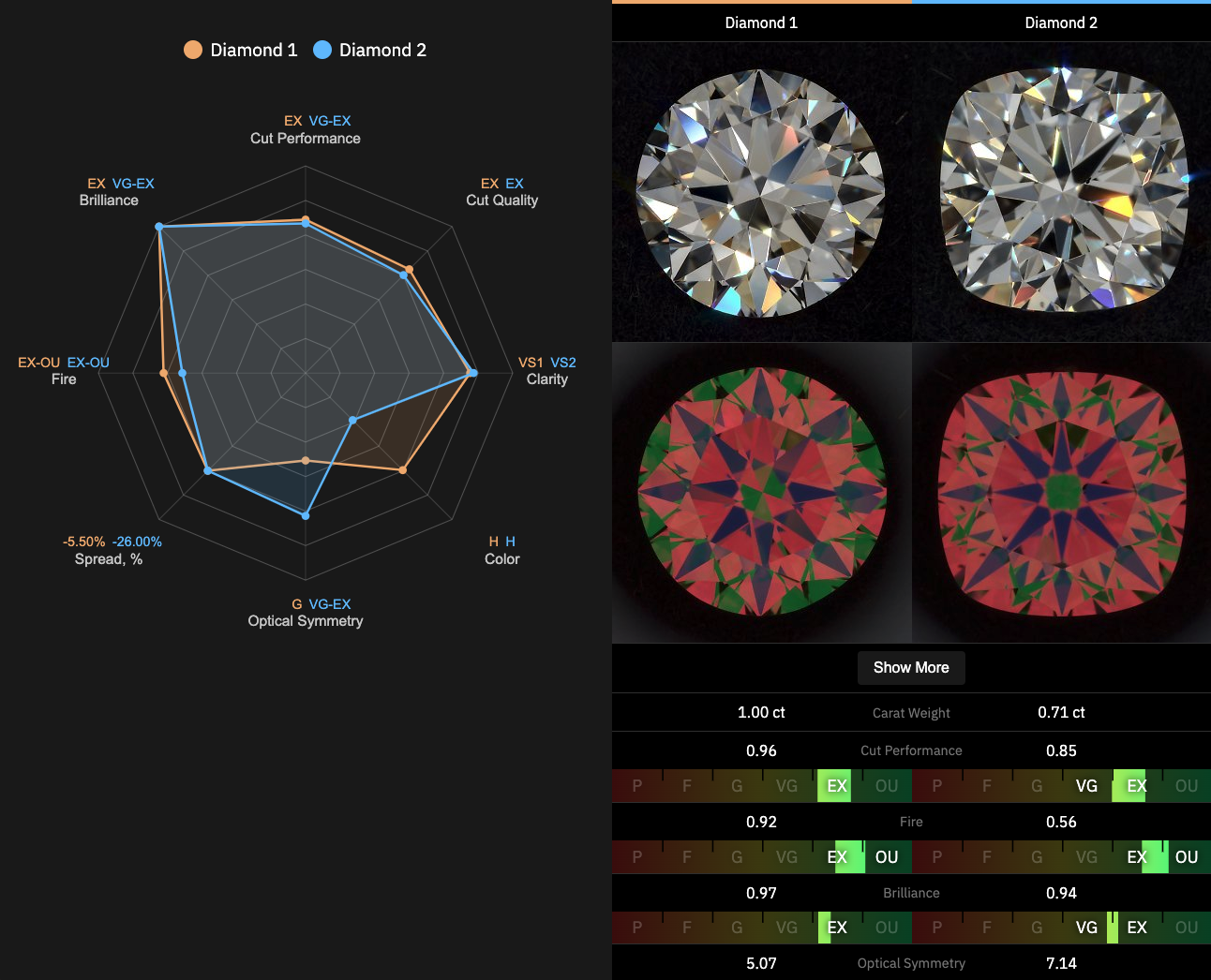
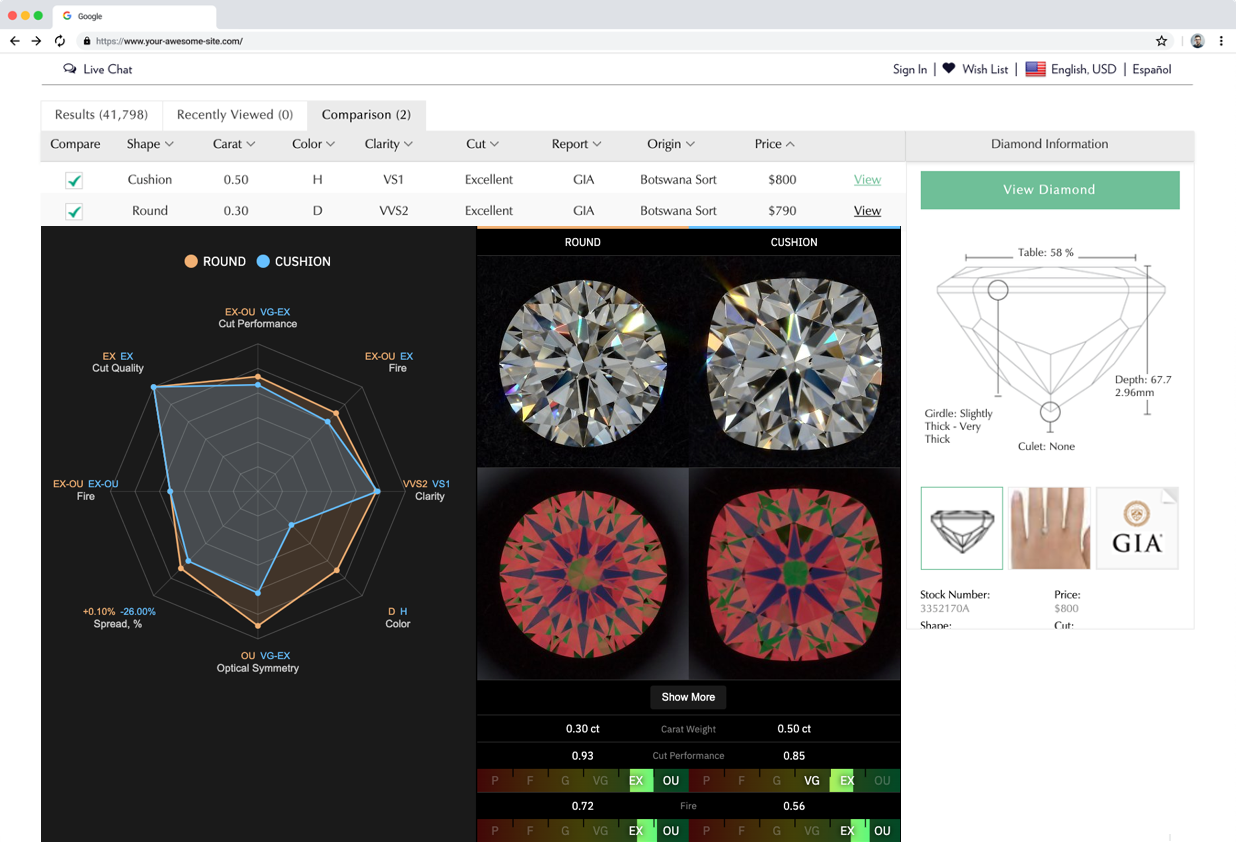
The Pair Comparison Widget compares two diamonds.
| Media data | Example link |
|---|---|
| Natural diamonds | |
| EX Round, 1.01ct, G, SI1, EX, EX, V STR, -3.5% and Pear, 1.03ct, G, SI2, EX, VG, STR, +18.2% | https://widget.cutwise.com/pair-comparison/39766/32784 |
| MSSRBC13 and CUSHION10 | https://widget.cutwise.com/pair-comparison/337/386 |
| MSSPEAR and MSSMARQUISE | https://widget.cutwise.com/pair-comparison/335/393 |
Example on a website:
Brilliant Story Widget
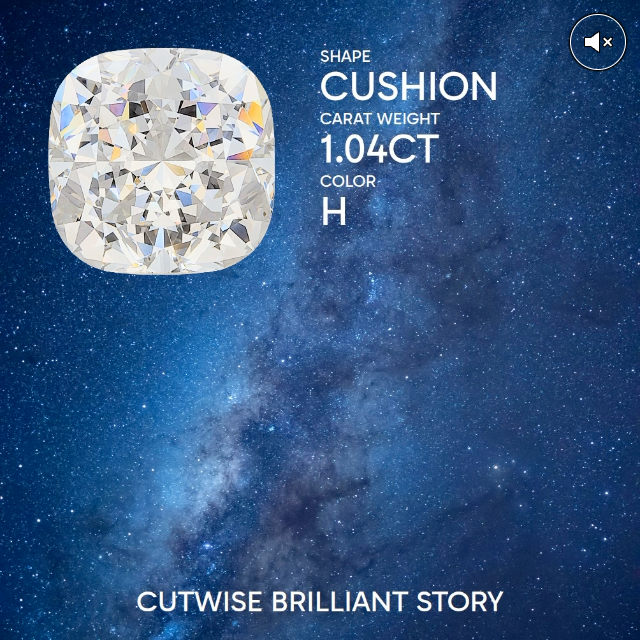
The Brilliant Story Widget plays the Brilliant Story video of a diamond in the Cutwise movie player. The link works for diamonds with a finished Brilliant Story.
| Media data | Example link |
|---|---|
| Cushion, 0.78ct, F, VS2, GD, EX, NON | https://widget-v3.cutwise.com/story/1358108 |
| The same diamond, no automatic playback | https://widget-v3.cutwise.com/story/1358108?autoplay=0 |
Vision360 videos in Cutwise Widgets
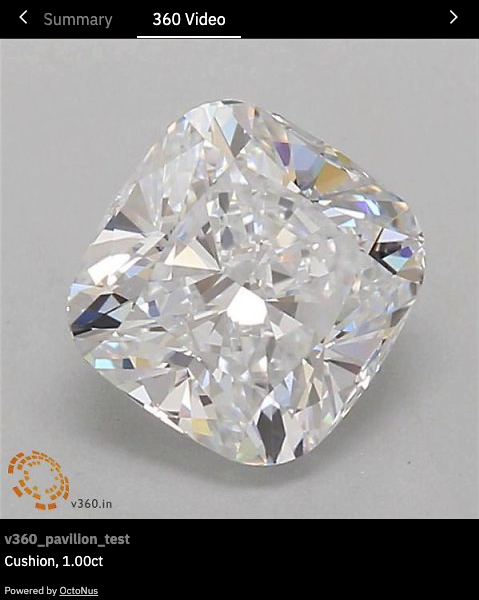
You can upload videos from Vision360 systems (girdle and pavilion) to Cutwise diamonds. The diamond page and all widget types show Vision360 videos.
| Media data | Example link |
|---|---|
| Vision360 girdle video | https://cutwise.com/diamond/65156 |
| Vision360 pavilion video | https://cutwise.com/diamond/65157 |
| Performance Widget with a Vision360 video | https://widget.cutwise.com/performance/v1/59712#video360 |
| Report widget with a Vision360 video | https://widget.cutwise.com/report/v1/59712#summary |
360 videos from other hardware with Virtual DiBox 2.0 media
If you have 3D models and 360 videos from any hardware, such as Real Vision, you can upload them to Cutwise. Cutwise then generates Virtual Performance media data and optical performance scores.
| Media data | Example link |
|---|---|
| Performance Widget with a 360 video | https://widget.cutwise.com/performance/v1/68771#cutperf |
| Report widget with a 360 video | https://widget.cutwise.com/report/v1/68771#summary |
| Comparison of real and photoreal media and scores | https://widget.cutwise.com/pair-comparison/68771/59712 |
Diamond image preview for your stock
You can use the Cutwise Player with diamond images only, as an image preview in your diamond stock.
| Media data | Example link |
|---|---|
| Example page | https://files-cdn.cutwise.com/growndiamondcorp-demo/diamond-preview-with-widget.htm |
| Player with a photo only | https://widget.cutwise.com/video/1673?sp=54 |
To show only a photo, add the sp parameter to the widget URL, for example &sp=7&. The number is the SetupPreset ID of the media. For a diamond image preview, you can use Fire Image (sp=54) or Office Image (sp=7). The full list of SetupPreset IDs is on Embedding a Widget.
Related pages
- Embedding a Widget: URL forms, parameters and templates.